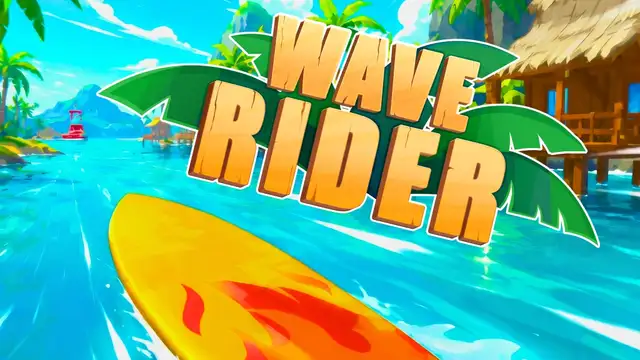
What "Wave Rider unblocked" means
"Unblocked" is what players search for when they want a version of a game that opens in a normal web browser, without installing an app, signing in or visiting a big game portal. Wave Rider unblocked on this page is exactly that: the full Wave Rider surfing game, embedded straight from its publisher Azgames.io, loading in the box above as soon as you press Play.
It does not mean the game slips past any filter. Whether Wave Rider loads on a particular school or office network is decided by that network, not by us. What we can do is keep the page light, load nothing until you press Play, and tell you plainly what to check if it does not work.
How to play Wave Rider unblocked in your browser
- Press Play Wave Rider Unblocked on the cover above. A short loading animation appears in the same spot.
- When the game shows up, click inside it once so it receives your key presses.
- Steer with A and D or the Left and Right arrow keys. Avoid the logs, rocks, holes and waterfalls, and pick up starfish when the path is clear.
- Press Fullscreen under the game for a bigger view of the course.
Want the full rules first? The Wave Rider game guide on our home page covers how a run works, every obstacle and the FAQ.
Which devices can run Wave Rider unblocked
- Chromebooks: Wave Rider runs in Chrome and uses the built-in keyboard, so a school Chromebook is a good fit if the network allows the game to load.
- Windows and Mac laptops: an up-to-date Chrome, Edge, Firefox or Safari should run it. No download, no admin rights needed.
- Phones and tablets: you can open the page and try, but the publisher only lists keyboard controls. A device with a keyboard gives the most reliable result.
Wave Rider is a WebGL game built with Unity, so an older or very low-power laptop may load it slowly. Closing other tabs usually helps.
Playing on a school or work network
Many schools and offices filter games on their network. If Wave Rider unblocked shows the cover and loader but the game never appears, the most likely reason is that the network is blocking the game's own server, which sits on Azgames.io's domain rather than on ours.
In that case nothing on the page can fix it, and we will not tell you to bypass a filter your school or employer set up on purpose. Play during breaks where games are allowed, or wait until you are on your home connection. On home Wi-Fi, where those filters do not apply, the same page has a much better chance of loading.
If you are a teacher or network admin who wants to allow Wave Rider for break time, the game needs more than this site. The game frame loads from gamea.azgame.io, and its files come from gdn.azgames.io. This page itself is served from wave-rider.run. Allowing those three addresses is what lets the cover, the loader and the game all appear.
Why the game might not load, and how to fix it
Work through these in order, starting with the quickest.
- Reload once. A slow or interrupted first load is a common cause.
- Turn off blockers for this page. Ad blockers and script blockers can stop the game frame. Pause them here and reload.
- Allow third-party frames. Strict privacy settings that block embedded content will hide the game. Lowering them for this page lets the frame through.
- Update or switch browsers. Try the latest Chrome, Edge or Firefox.
- Check the network. If it works on home Wi-Fi but not at school or work, the network filter is the cause.
The keyboard does nothing
If Wave Rider loads but your board will not turn, the game does not have keyboard focus. Click once inside the game frame and try A or D again. If you used the page's own buttons (Like, Share, Fullscreen), click back into the game afterwards, because focus moves to the button you pressed.
Another place to play
If this page is blocked on your network, the publisher's own page at azgames.io/wave-rider hosts the same Wave Rider game. It sits on the same publisher servers, so if the game frame here is blocked, theirs is usually blocked too, but the page itself may be reachable.